
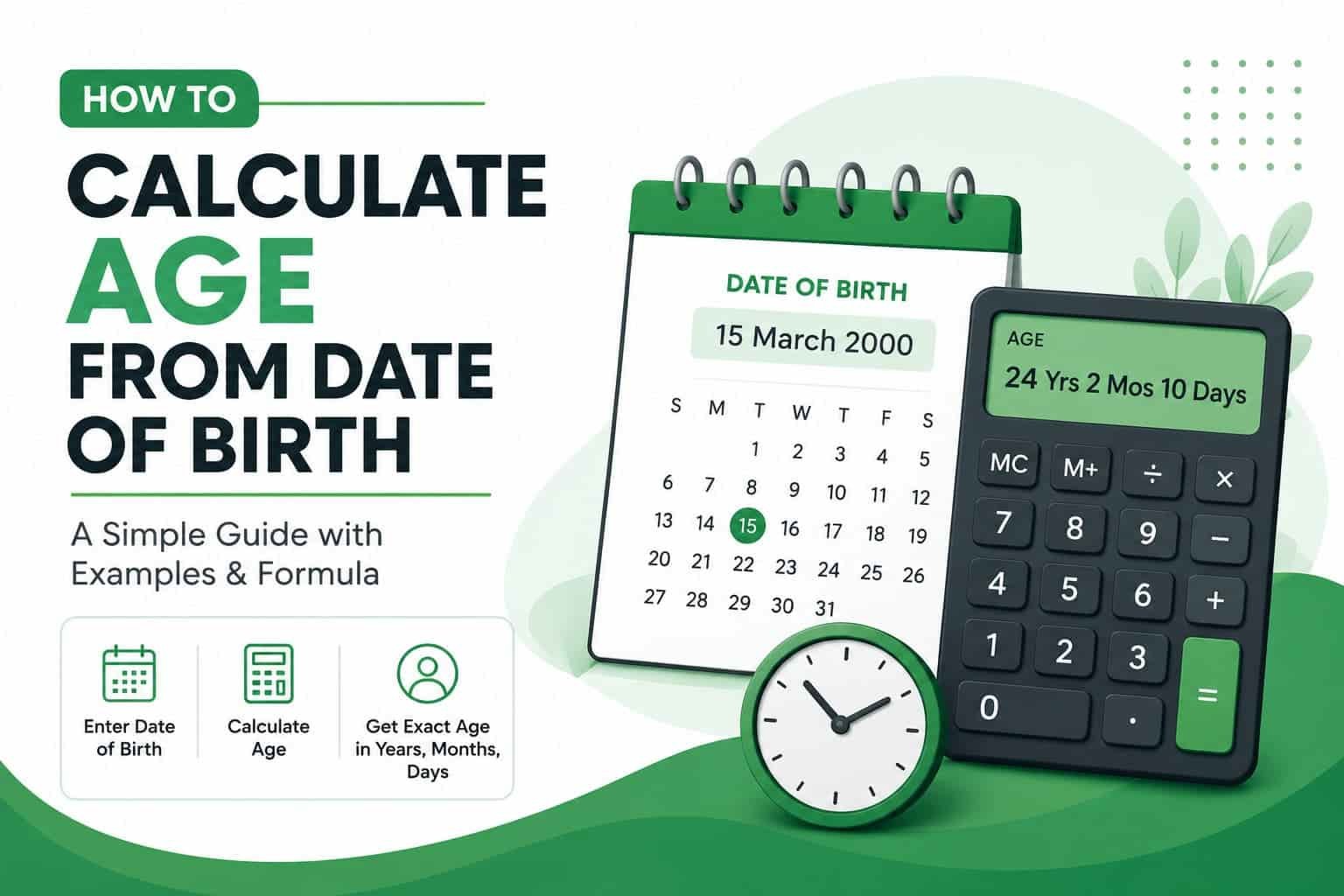
How to Calculate Age from Date of Birth
How to Calculate Age from Date of Birth
Calculating age from a date of birth only takes three steps: subtract the years, adjust for the month and day, then account for leap years. This guide walks through the manual formula, a spreadsheet method, and the fastest digital option, so you can pick whichever fits the task.
Manual steps and spreadsheet formulas
This guide focuses on the calculation method and spreadsheet examples. For a date-only Excel example, put the birth date in B2 and use =DATEDIF(B2,TODAY(),”Y”) for completed years; check that B2 is stored as a date.
Related: How to Calculate Age Accurately; Exact Age Calculator in Years, Months, and Days.
The Manual Formula
Age calculation follows a simple rule at its core: subtract the birth year from the current year. However, that raw subtraction only works once you adjust it for the month and day. Otherwise, the result runs one year too high for anyone whose birthday has not yet arrived this year.
This adjustment matters because a calendar year and a completed year of life are not the same thing. A person born in December, for instance, has not completed their next year of age until December arrives, even though the calendar year has already changed in January.
Step-by-Step Example
Consider someone born on 18 September 2001, and suppose you want their age on 25 July 2026. Here is how the calculation unfolds.
- Subtract the years. 2026 minus 2001 equals 25.
- Compare the birth month and day to today’s date. September 18 has not occurred yet by July 25, since September comes after July.
- Subtract one year for the adjustment. 25 minus 1 equals 24.
- Confirm the result. The person is 24 years old on 25 July 2026, and turns 25 on 18 September 2026.
Because this method involves several small comparisons, it becomes easy to lose track when done in your head. As a result, most people prefer to verify the answer with a free age calculator that applies the same logic automatically.
Handling Leap Years Correctly
Leap years add an extra day to February every four years, which keeps the calendar aligned with Earth’s orbit around the sun. The Britannica entry on leap years explains the astronomical reasoning behind this adjustment in detail.
When someone is born on 29 February, age calculation gets slightly trickier, since that date only appears once every four years. In practice, most systems treat 28 February or 1 March as the recognized birthday in non-leap years, depending on local convention. Either way, a calendar-aware calculator handles this edge case automatically, while a purely manual count often misses it.
Calculating Age in Excel or Google Sheets
Spreadsheets offer a faster alternative to counting by hand, and the DATEDIF function handles the calendar logic for you. Enter the birth date in one cell, then apply the formula below in another cell.
Here, B2 holds the date of birth, TODAY() supplies the current date automatically, and “Y” tells the function to return complete years. Swap “Y” for “YM” to get remaining months, or “MD” to get remaining days, and combine all three for a full breakdown. Microsoft documents the complete syntax in its official DATEDIF function reference.
This method suits anyone managing a list of birth dates, such as an HR spreadsheet or a school register, since the formula recalculates automatically every day.
The Fastest Method: A Digital Calculator
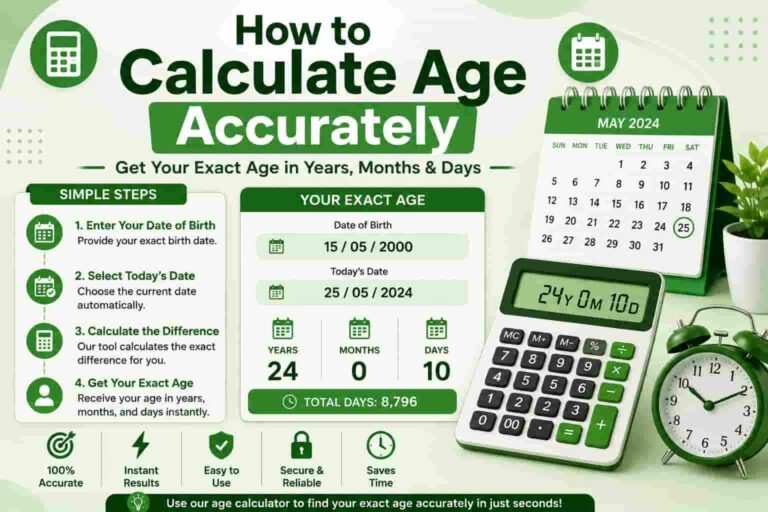
For a single, quick answer, a dedicated online tool remains the fastest option. You enter the date of birth, and the tool returns the exact age in years, months, and days within seconds, along with extra details such as the total number of days lived or the time remaining until the next birthday.
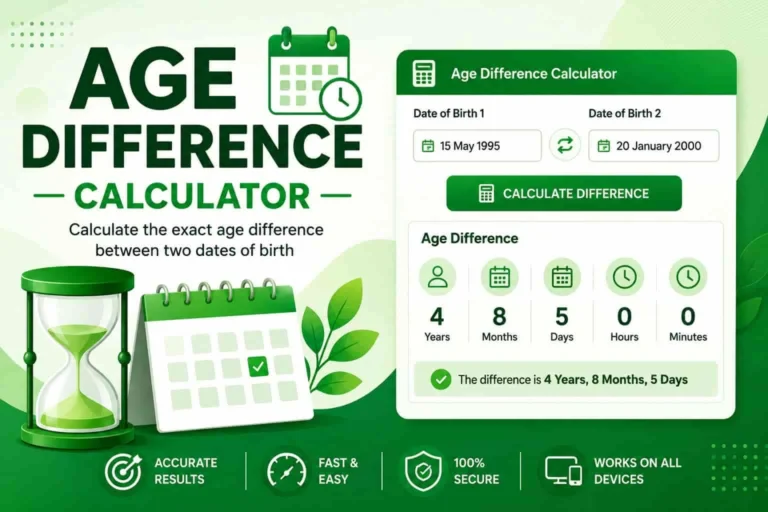
Our own age calculator applies the Gregorian calendar rules automatically, so the leap-year adjustment covered earlier never needs manual attention. If you need to compare two people’s ages instead of one, the age difference calculator performs that comparison directly.
Common Mistakes to Avoid
Even a simple calculation invites errors when done under time pressure. The following mistakes come up most often.
- Forgetting the month-and-day adjustment. A plain year subtraction alone overstates the age whenever the birthday has not yet arrived.
- Ignoring leap years. Skipping the extra day in February throws off day-level precision, particularly for date-interval calculations.
- Using the wrong end date. Age eligibility rules, such as those used in exam or job applications, often specify a fixed cut-off date rather than today’s date.
- Mixing up date formats. Day-month-year and month-day-year formats look similar but produce very different results if entered incorrectly, so double-check the format your source uses.
Related Tools You May Find Useful
Frequently Asked Questions
What is the formula to calculate age from date of birth?
Subtract the birth year from the current year, then subtract one more year if the birth month and day have not yet occurred in the current year.
How do I calculate age in Excel or Google Sheets?
Use the DATEDIF function with the birth date, the target date, and the unit Y, such as DATEDIF(B2,TODAY(),”Y”), to return the age in complete years.
Why does manual age calculation sometimes go wrong?
Manual calculation often goes wrong because it skips leap years or forgets to check whether the birth month and day have already passed in the current year.
Skip the Math Entirely
Enter your date of birth and get an exact, error-free age report in seconds, with no signup required.
Try the Age CalculatorSources
- Britannica — Leap Year
- Microsoft Support — DATEDIF Function



3 Comments